
Toast export files explained: Item, Modifier, PMIX, Order, and Payment
Toast provides report downloads and configurable nightly data exports. The file names sound related, but each answers a different operational or financial question.
The problem
Spreadsheet errors often begin before a formula is written: the wrong file is used for the question. Product Mix is treated as row-level sales. Payment rows are joined directly to menu items. Modifier rows are stacked under item rows.
Start by naming the grain: what does one row represent?
Example Toast CSV columns
| Export | One row usually represents | Useful examples |
|---|---|---|
| Item Selection Details | One menu-item selection | Item ID, date, item, quantity, net price |
| Modifier Selection Details | One modifier selection | Parent item ID, modifier, quantity, value |
| Product Mix | An item aggregate for a period or breakdown | Menu, group, item, quantity, sales |
| Order Details | One order | Order ID, opened/closed times, dining option |
| Payment Details | One payment | Payment ID, order/check ID, type, amount |
| Menu | Menu configuration data | Item, group, identifiers, active state |
Toast allows configured nightly exports to choose column names and order. Never assume every restaurant receives the same schema.
Which file should you use?
- “What sold?” Start with Item Selection Details.
- “Which add-ons were selected?” Add Modifier Selection Details.
- “What is the item mix for a period?” Use Product Mix.
- “How were orders opened, closed, or categorized?” Use Order Details.
- “How was money tendered?” Use Payment Details.
- “How is the menu configured?” Use Menu data.
When a question crosses grains, define the join and reconciliation before combining files.
Screenshot and demo
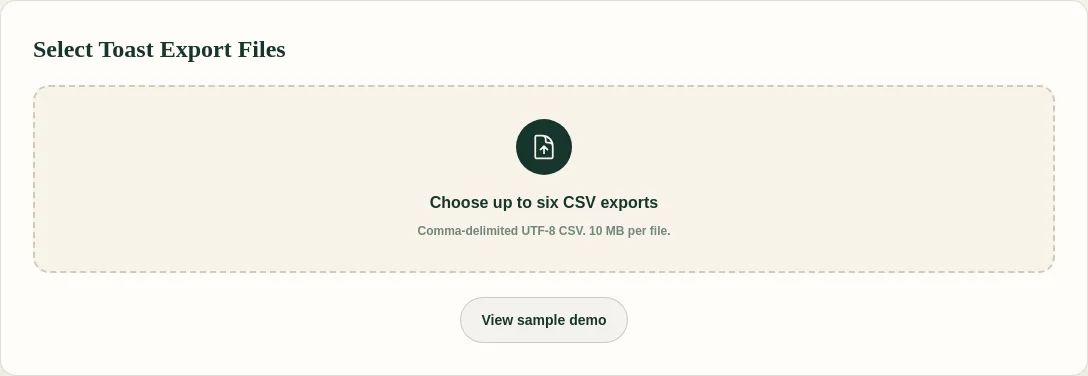
FoodSaver requires Item Selection for the clean item workbook. Other supported files are optional; Product Mix, Order, Payment, and Menu are currently preserved as sanitized source sheets rather than fully normalized semantics.
Free sample workbook
- Download sample Item Selection CSV
- Download sample Modifier Selection CSV
- View the generated workbook demo
The sample files make the item-versus-modifier grain visible before you use restaurant exports.
Pricing
FoodSaver offers three free successful generations per UTC day within free limits. Pro costs $19/month or $190/year and adds larger files, history, saved mappings, email delivery, and 90-day retention.
Frequently asked questions
Are nightly exports the same as manual report downloads?
Toast says nightly data exports cover many of the same data types available from Toast Web, but configured columns and timing can differ.
Can I combine every export in one worksheet?
Use one workbook, not one undifferentiated table. Separate sheets preserve row grain and reduce accidental duplication.
Why does my coworker’s export have different columns?
Configured exports can choose column names and order. Report filters and versions can also affect downloads.
Which file does FoodSaver require?
Item Selection Details. Modifier Selection is optional but needed for item-modifier detail.